

Achieve 98% First-Pass Acceptance With Forensic Scrubbing
Most clearinghouses only check for missing zip codes. Elva performs a forensic audit on every claim. It checks for Anatomical Logic (e.g., "Occlusal" on an anterior tooth), Provider Credentialing mismatches, and Bundling Risks before you hit send, ensuring your claims are clean, compliant, and paid on the first attempt.


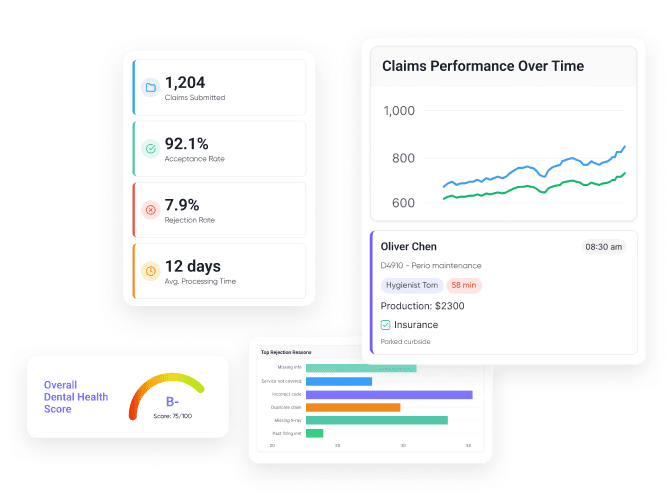

Anatomical Logic Engine
Flags impossible coding combinations, like billing a "Distal" surface on a wisdom tooth or "Occlusal" on an incisor.

Credentialing Guard
Prevents "Out-of-Network" processing by verifying the Rendering Provider is linked to the correct Tax ID/NPI for that specific payer.

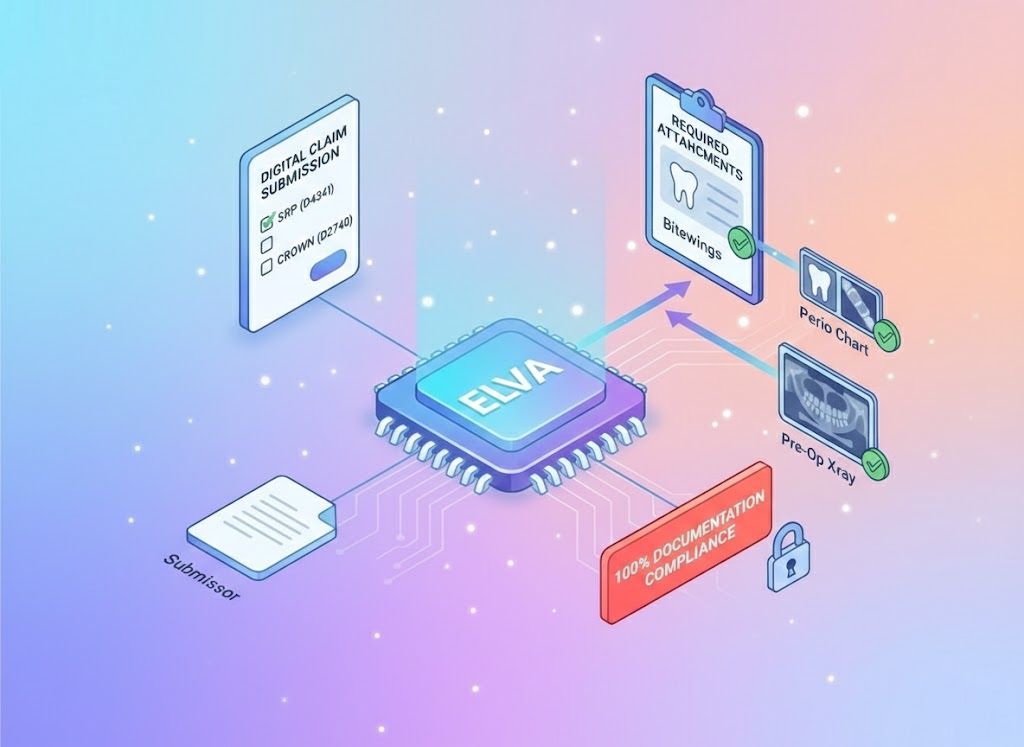
Attachment Automator
Automatically attaches the required Perio Chart for SRP or Pre-Op X-ray for Crowns, based on payer-specific rules.

Bundling Predictor
Identifies code combinations (like D9110 + Extraction) that will trigger an automatic denial and prompts you to fix them.
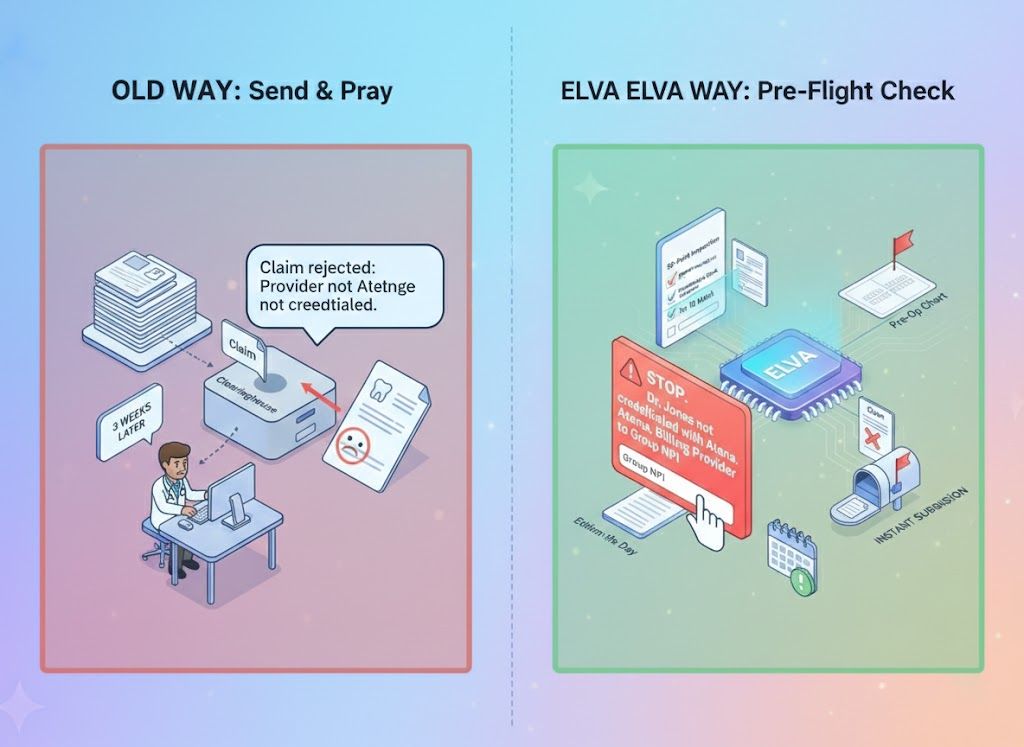
"Send & Pray" vs. Forensic Validation
The Old Way (Clearinghouse Basics): You hit "Submit" and hope for the best. The clearinghouse checks if the boxes are filled, but not if the data makes sense. You find out 3 weeks later that the claim was rejected because "Provider is not credentialed." The Elva Way (Pre-Flight Check): Elva runs a 50-point inspection. It warns you: "STOP. Dr. Jones is not credentialed with Aetna under this Tax ID. Change the Billing Provider to the Group NPI to ensure payment." You fix it instantly, preventing a month-long delay.
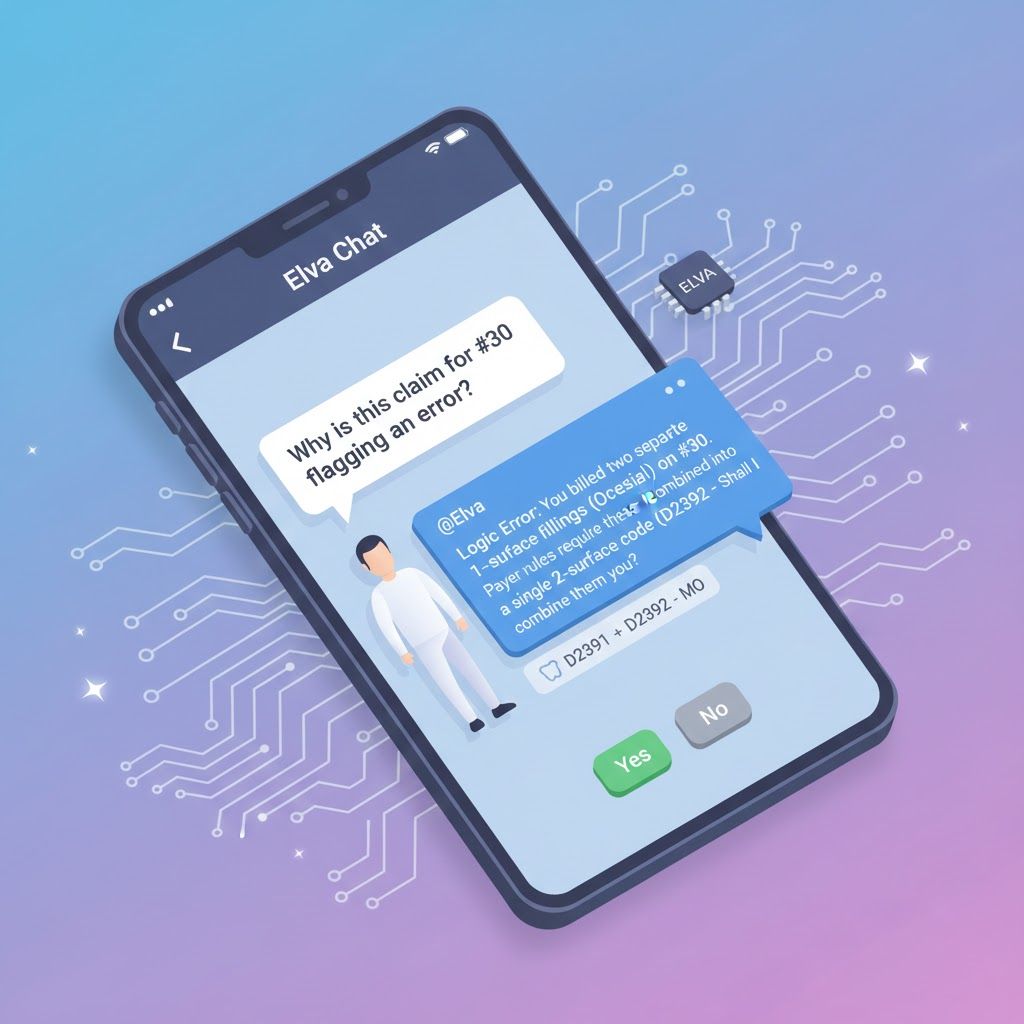
Don't memorize the rulebook. Just ask.
Your billing team can ask Elva to explain why a claim might fail before sending it. Biller: "Why is this claim for #30 flagging an error?" @Elva: "Logic Error: You billed two separate 1-surface fillings (Occlusal + Mesial) on #30. Payer rules require these be combined into a single 2-surface code (D2392 - MO). Shall I combine them for you?"
Scrubbing That Goes Beyond "Missing Zip Code"
Standard scrubbers miss the logic errors that cause 30% of denials. Elva reads the clinical reality of the claim, catching "Mutually Exclusive" codes and "Global Fee" violations that human billers overlook.
Automated Claim Sanitation
Elva acts as your firewall, ensuring that only "Perfect Claims" ever reach the insurance company.

Administrative "Spell Check"
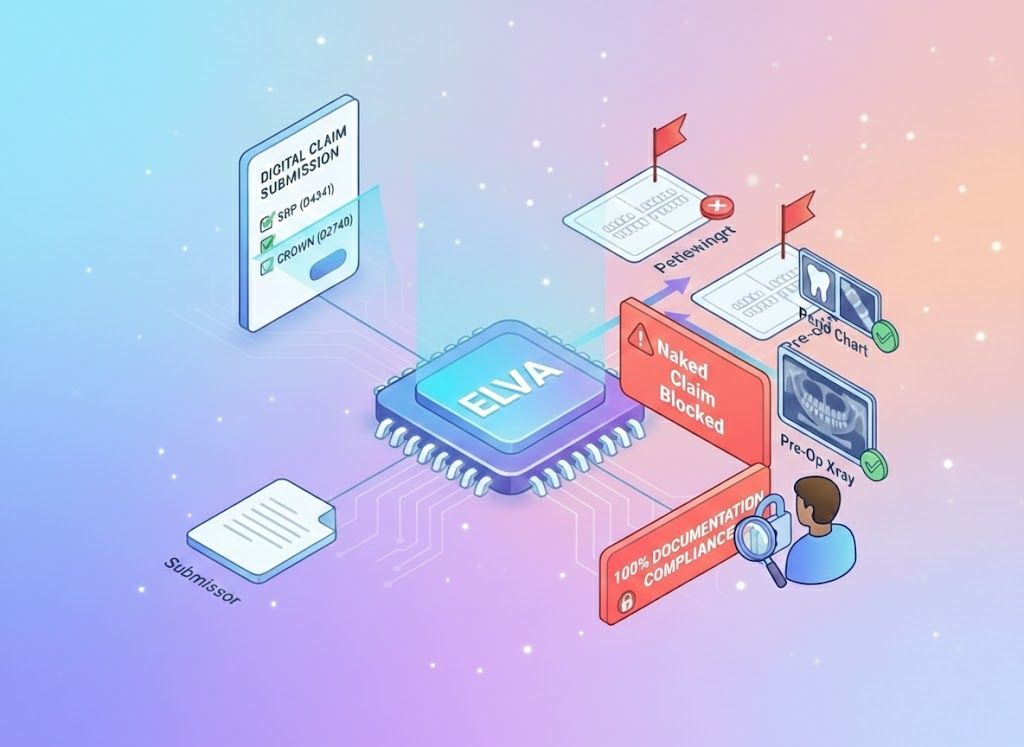
Daily "Clean Claims" Batching

Attachment Enforcement
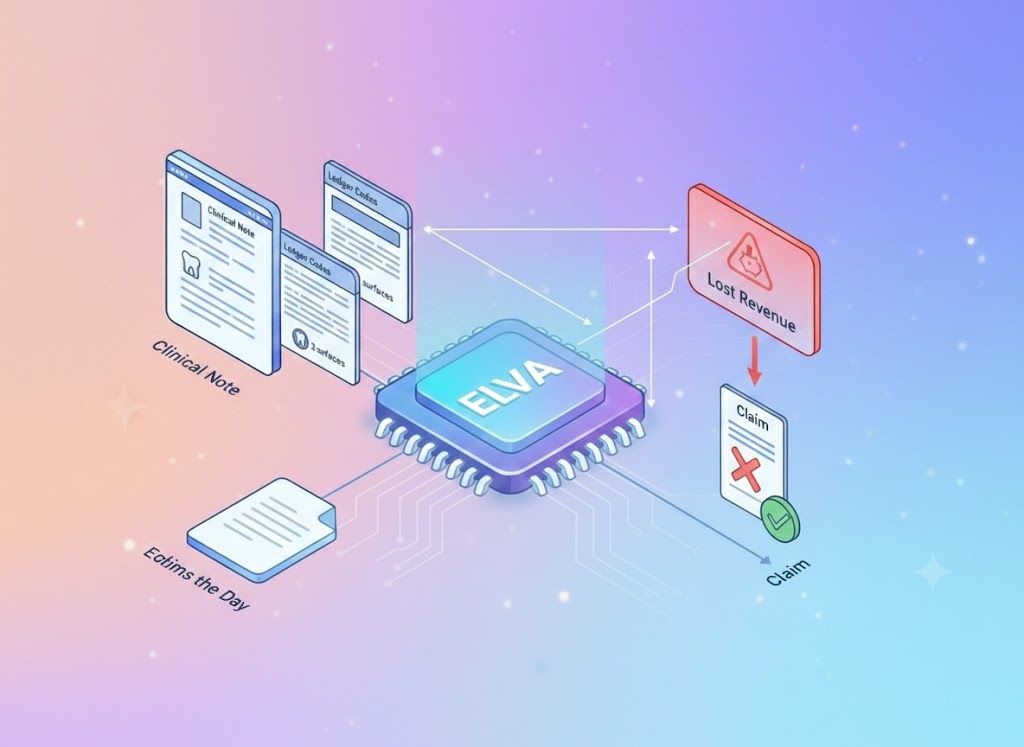
Ledger vs. Note Audit
The "Logic Check" Protection Layer
Elva validates your claims against the same strict algorithms used by insurance adjudicators, catching these specific logic errors before they leave your server.
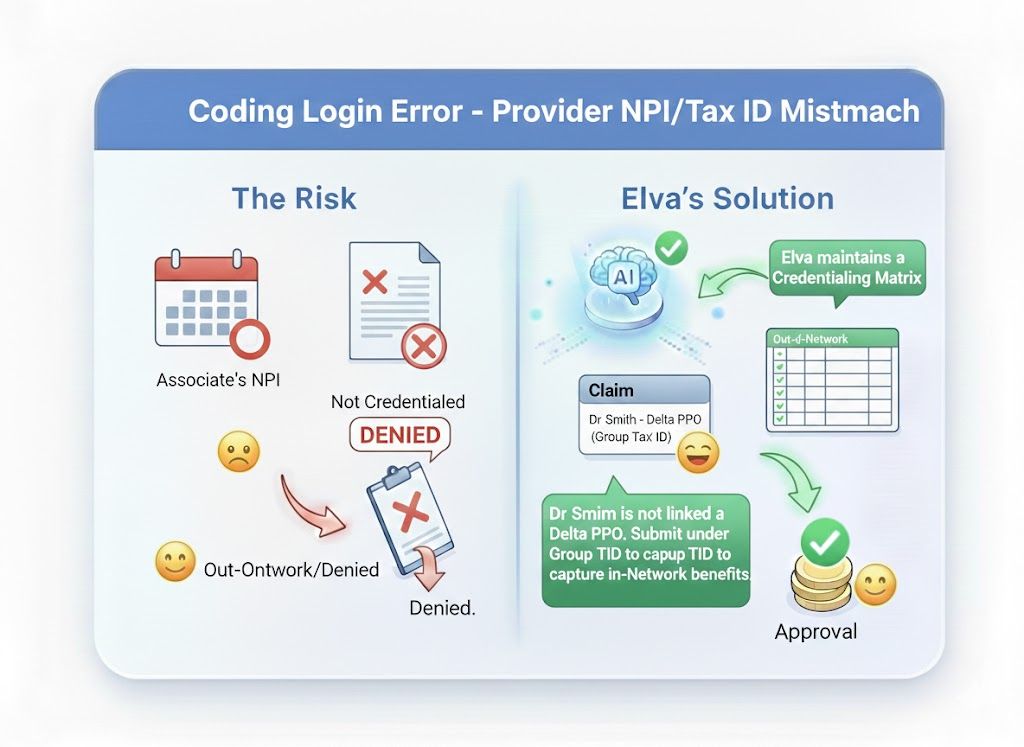
Provider NPI/Tax ID Mismatch
The claim is processed as "Out-of-Network" or denied entirely.
Elva's Solution: Elva maintains a Credentialing Matrix.
It alerts you: "Dr.
Smith is not linked to Delta PPO.
Submit under Group Tax ID to capture In-Network benefits.".
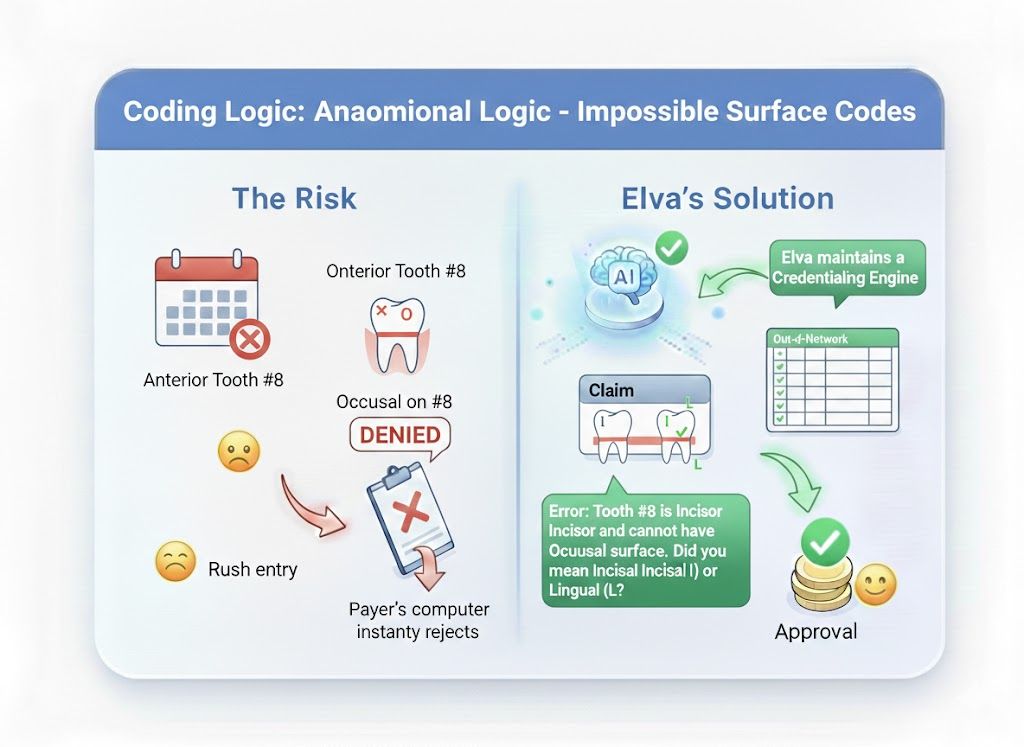
Impossible Surface Codes
The payer's computer instantly rejects it as "Anatomically Invalid".
Elva's Solution: Elva’s Anatomy Engine flags the mismatch: "Error: Tooth #8 is an Incisor and cannot have an Occlusal surface.
Did you mean Incisal (I) or Lingual (L)?".
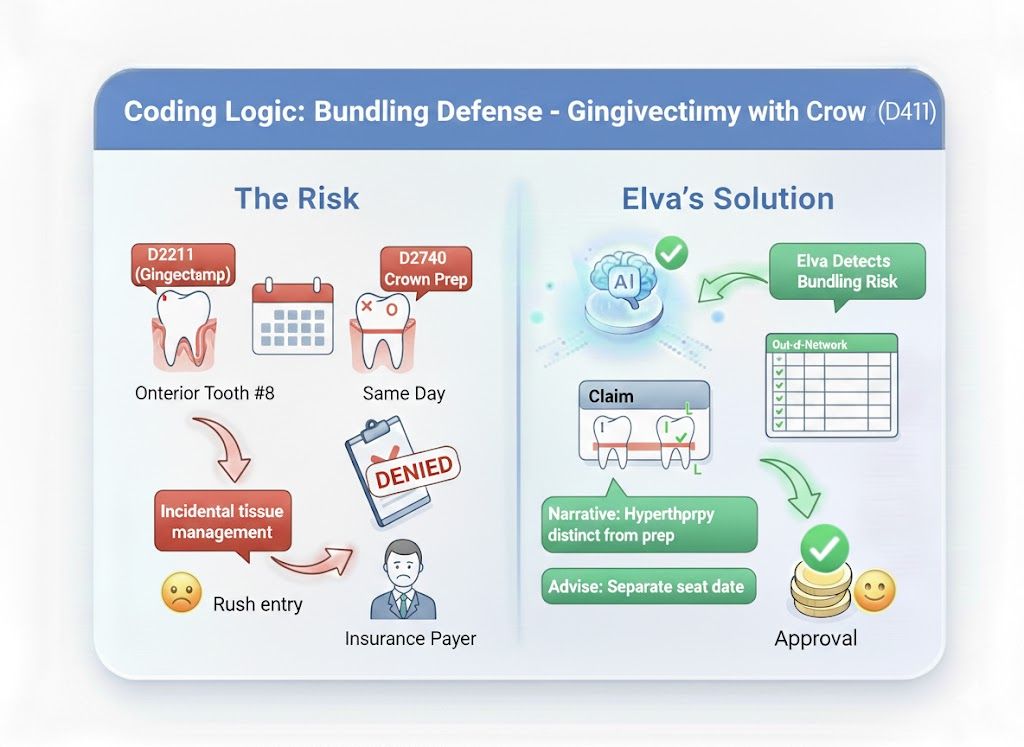
Gingivectomy with Crown (D4211)
The payer denies it as "Incidental tissue management".
Elva's Solution: Elva detects the Bundling Risk.
It prompts for a narrative clarifying that the procedure was for hypertrophy distinct from the prep, or advises you to bill it on a separate seat date if clinically appropriate.
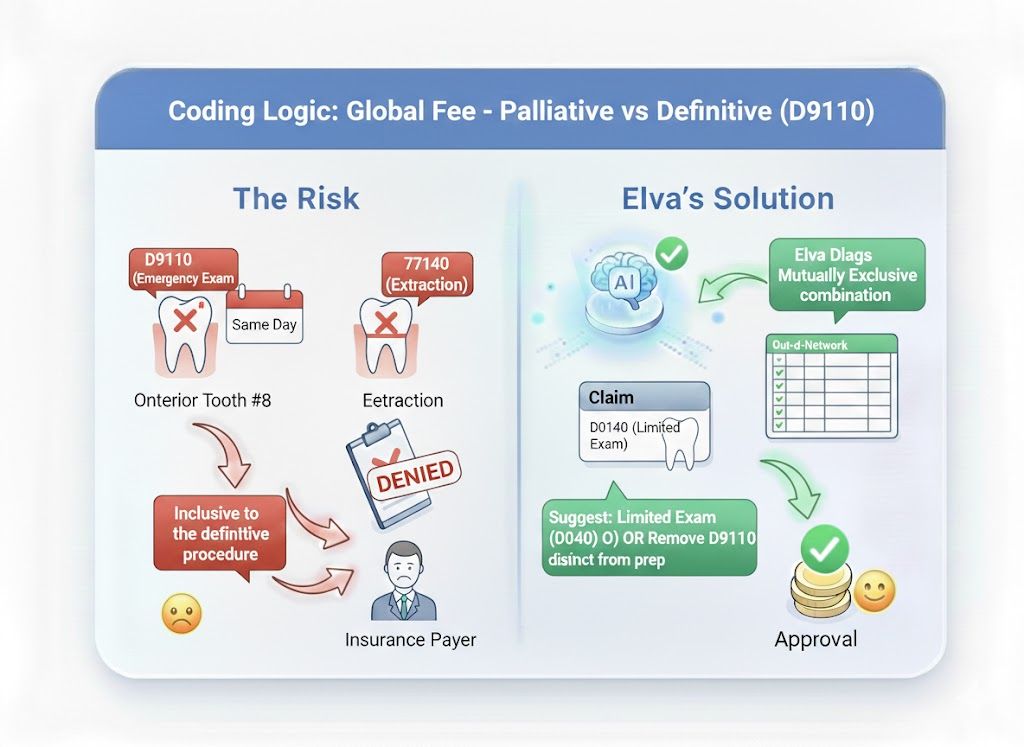
Palliative vs. Definitive (D9110)
The payer denies the D9110 as "Inclusive to the definitive procedure".
Elva's Solution: Elva flags the Mutually Exclusive combination.
It suggests billing a Limited Exam (D0140) instead or removing the D9110 to avoid the automated rejection line item.
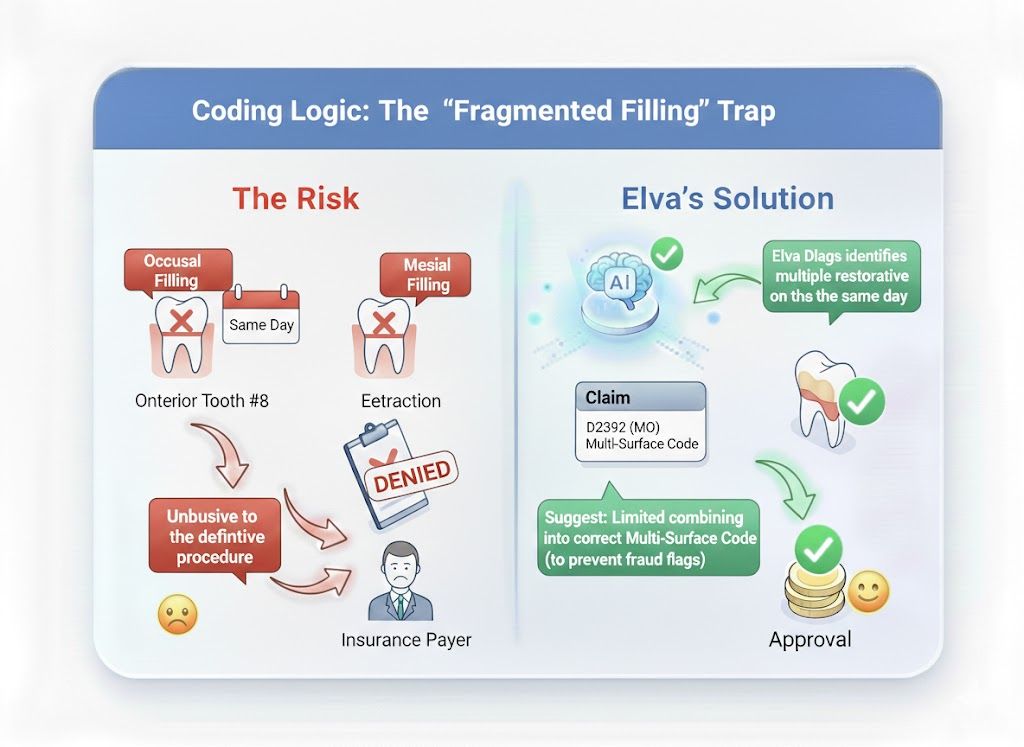
The "Fragmented Filling" Trap
The payer rejects it as "Unbundling".
Elva's Solution: Elva identifies multiple restorative codes on the same tooth/same day.
It auto-suggests combining them into the correct Multi-Surface Code (D2392 - MO) to prevent fraud flags.
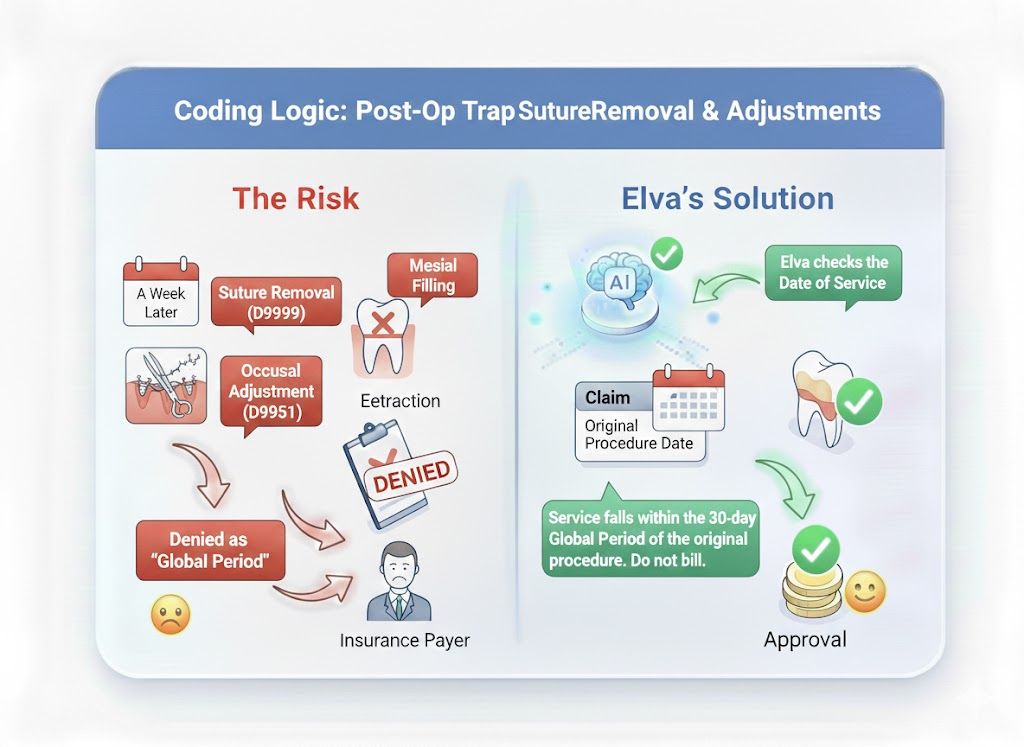
Suture Removal & Adjustments
Denied as "Global Period".
Elva's Solution: Elva checks the Date of Service against the original procedure date.
It warns: "Service falls within the 30-day Global Period of the original procedure.
Do not bill."
Send Clean Claims Every Time
Stop fixing rejections 30 days later. Scrub your claims with the AI that knows the anatomical and administrative rules better than the adjuster.
Schedule a Demo